Trade Show Booth Multimedia: LED Screen, Projector & Sound Packages in HK
Trade Show Booth Multimedia: LED Screen, Projector & Sound Packages in HK
A practical guide to trade show booth multimedia rental in Hong Kong: how to spec, size, power and budget the LED screens, projectors and sound systems that make a booth perform at HKTDC fairs, conventions and trade shows.
Every year, Hong Kong’s convention halls fill with thousands of booths that all fight for the same scarce resource: visitor attention. Print fascia boards and shelf displays anchor the floor, but the booths that draw queues are the ones moving — looping product films, demoing live feeds, and hosting short presentations in a quiet, controlled corner. The difference is rarely budget alone; it is getting the multimedia package right.
This guide walks through what a trade show booth multimedia package in Hong Kong should include, how to match display size to a 3×3 m or 6 m island, how power and layout constraints in HKTDC-style halls shape the choice between LED, projector or TV, and what actually drives cost. No hype — just the spec logic an exhibitor can apply before signing the rental form.
Why Static Booths Are Losing the Floor
Convention hall traffic behaves like a stream: visitors sweep past most booths at walking pace, and each pass-by lasts two to five seconds. In that window, static graphics must do all the convincing. A moving image, with motion and contrast, is consistently processed faster and recalled better than a still panel.
Three practical consequences for exhibitors:
- First-second capture. A looping 20-second brand film starts playing the moment a visitor enters the sightline. Static boards depend on the visitor stopping first.
- Product complexity. Anything with moving parts — robots, wearables, food service equipment, audio gear — sells far better with a live demo than with a brochure.
- Meeting conversion. Booths pairing a screen with a small quiet zone (two chairs, low-volume PA) convert walk-bys into 10-minute conversations, which is where sales actually happen.
The challenge is that convention halls impose real constraints on multimedia: limited power per booth, height restrictions, structural certification for anything wall-mounted, and strict load-in/load-out windows. The rest of this guide works around those constraints, not around them.
What a Trade Show Booth Multimedia Package Includes
A complete package has four layers. You don’t always need all four, but knowing each one helps you build a realistic quote.
1. LED video wall (small-format)
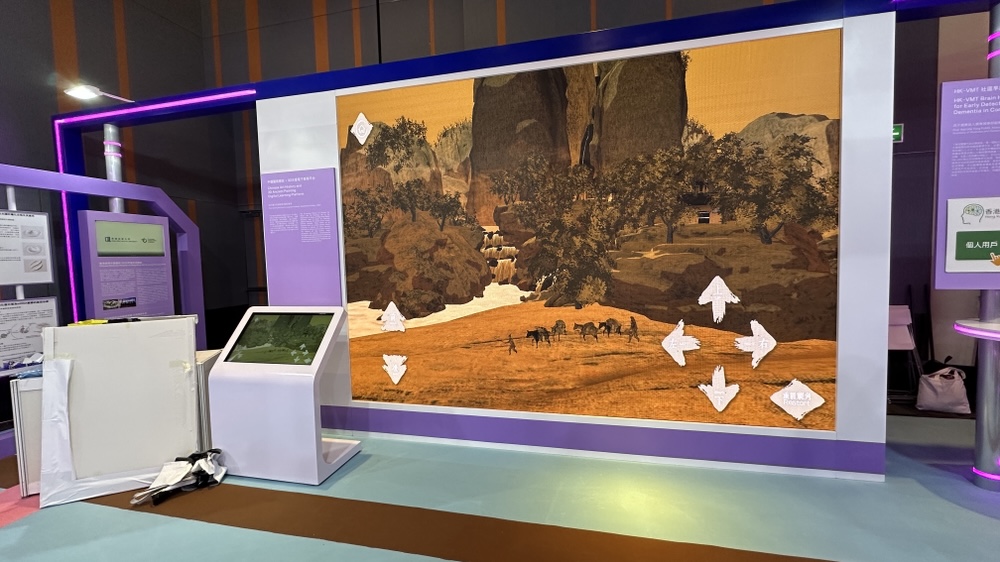
Small modular LED walls — typically built from 500×500 mm panels — are the workhorse for exhibition displays. Indoor pitches of P1.5–P2.5 are the practical range for booth distances: P2.5 is the standard cost-effective choice for a 3×3 m booth where most viewers stand between 1 m and 3 m away, while P1.5 or P1.9 earns its premium when people crowd within half a metre and text (pricing lists, fine print) must stay razor-sharp.
Unlike a TV, a small LED wall is self-emissive: it stays bright and readable under the flat, bright lighting of a convention hall, from any seating angle across the aisle, and can be sized in whole-panel increments to the exact dimensions your fascia allows.
2. 4K laser projector
Where a ceiling or back wall is available and the space is kept dimmable, a 4K laser projector with a 100–120 inch screen is the highest-impact-per-dollar visual. Laser light engines are designed for long duty cycles, making them suited to a full exhibition day rather than a single event.
Short-throw and ultra-short-throw options matter in booths: when the screen must be fixed to the back wall and the projector sits on a shelf behind the counter, the throw distance is often under 1.5 m. A standard-throw unit physically cannot work in that geometry.
3. Sound system
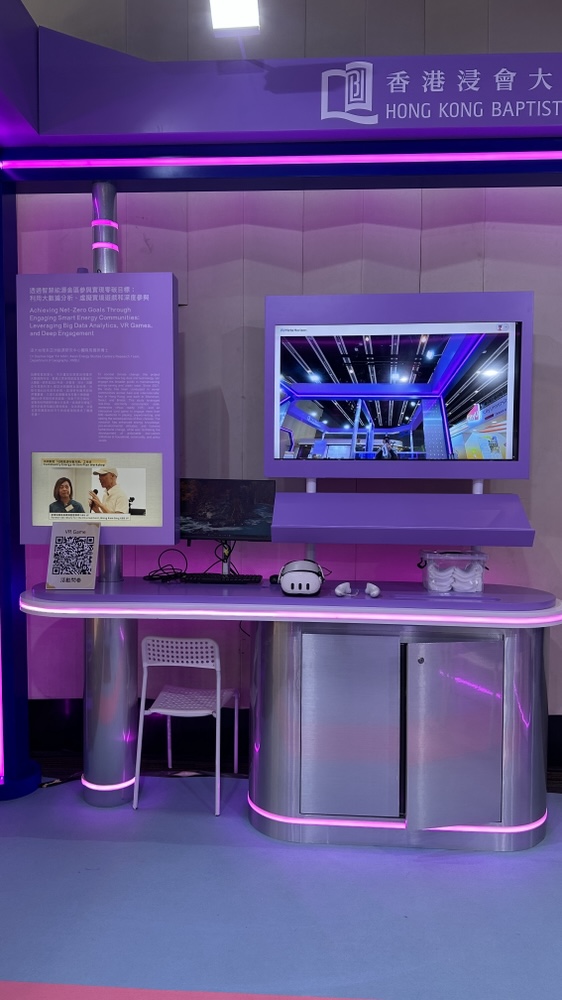
A booth sound system should be heard, not heard-from. The specification is deliberately light: a 2-way compact PA set (or a small line-array for open-plan island booths), a digital mixer, one to two wireless microphones for demos and announcements, and zone-level volume that holds a conversation in the meeting corner while still carrying a 30-second announcement across the booth.
4. Optional: TV, kiosk or interactive display
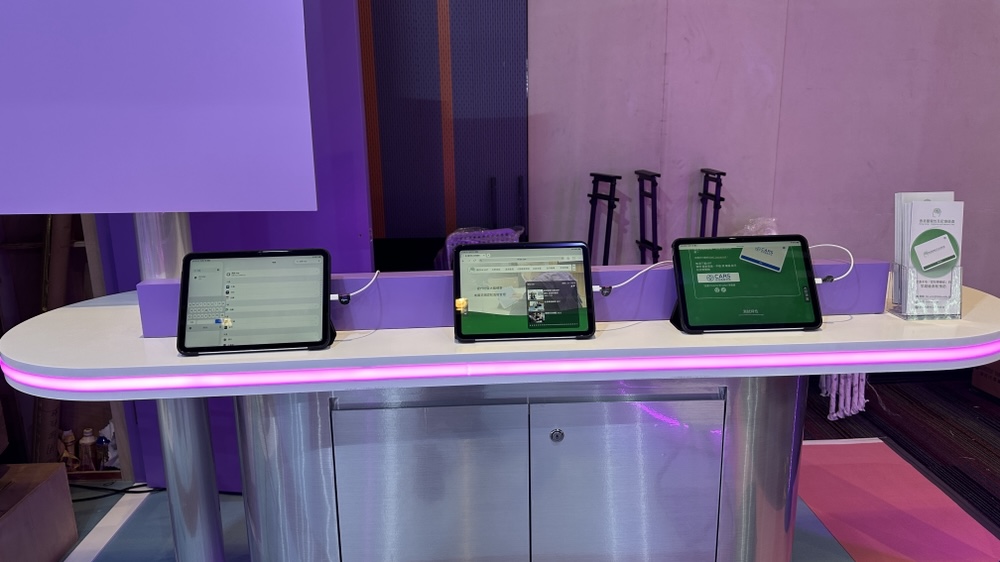
A 55–65 inch 4K TV with stand is a fast, cheap way to add a second display (price lists, schedules, live web feeds) — the same logic we break down in our guide to renting 4K TVs for events. A touch kiosk handles self-service product catalogues or lead capture without staff attention.
Matching Screen Size and Specs to Your Booth
HKTDC standard booths are 9 m² (3×3 m) with a lockable cabinet, meeting table, and a single 800 W power socket; corner, 3×6 m and premium island boomerangs scale up from there. That 800 W socket figure is the number most exhibitors never see before load-in — it quietly dictates what you can power.
3×3 m standard booth (9 m²)
- LED: 1.5–3 m² small-format wall (P2.5) above or beside the fascia — roughly 3–6 modules at 500 mm pitch. A 3 m wide wall is the classic choice.
- Or projector: 100–120 inch screen on the back wall, short-throw unit on a shelf — ideal if your booth is a rear-position where sightlines matter more than brightness.
- Sound: compact 2× PA pair, mixer, 1–2 wireless mics.
3×6 m or corner booth (18 m²)
- LED: 3–6 m² (P1.5–P2.5) plus, optionally, a second 55-inch display for a facing aisle.
- Sound: small line array or 2× mid PA, 2–3 wireless mics so demos and floor announcements don’t compete.
- Meeting zone: a dedicated corner with dimmer local lighting and a quiet PA channel.
6×6 m island / premium booth (36 m²+)
- LED: two facing walls, or a 270°-style wrap for island positions, P1.5–P2.5 depending on crowd distance.
- Sound: 2× line arrays with a dedicated mixer channel per zone.
- Extras: kiosk, live-capture camera, streaming encoder for the company’s socials.
Choosing pixel pitch and projector brightness
| Criterion | Small LED wall (P2.5) | 4K laser projector + screen | 55–65 inch TV |
|---|---|---|---|
| Readable distance (typical) | 0.5–6 m | 1–5 m (dimmed space) | 1–4 m |
| Brightness in a lit hall | Very high (self-emissive) | Medium (needs controlled light) | High |
| Viewing angle | Excellent, all angles | Narrow without special screen | Wide |
| Sizing flexibility | Any multiple of 500 mm | Fixed by throw distance | Fixed sizes |
| Space needed | Wall or truss area | Throw distance + wall | Shelf/stand only |
| Best booth role | Hero display, hero | Presentations, demos | Secondary info display |
Two sizing rules of thumb. First, LED pitch is chosen by the nearest viewer: if visitors will press against the screen within 50 cm, step down from P2.5 to P1.5 or P1.9. Second, projector lumens are chosen by ambient light: convention hall lighting is bright and flat, so a 100-inch image needs the strongest light engine in the class — if the screen sits in a light-washed bay, prefer LED or TV and keep the projector for the dimmed meeting corner.
Power, Layout, and Setup Logistics
This section is where booth multimedia plans usually die, so read it first when budgeting:
- Power headroom. A 3×3 m HKTDC standard booth is allocated 800 W. Rule of thumb: a 3 m² P2.5 LED wall typically draws on the order of 200–400 W at full white (panel wattage varies by pixel density and content), a projector 300–400 W, a compact PA under 100 W. On paper that fits — but only if content doesn’t sit at 100 % brightness. Ask the venue or your AV partner whether you can apply for additional supply, and size your content (dimming, black frames) so peak load stays under allocation.
- Load-in windows. Halls enforce load-in/load-out slots; LED walls are assembled panel by panel, so build time scales with module count. Book the wall sized to your window, not your ambition.
- Structural & safety. Anything hung — LED walls, ceiling projections — needs a certified rigger and, where required, an RSE structural safety report. A reputable supplier handles this; if your quote itemizes it, that’s a good sign, not a surcharge.
- Content management. Who runs the screen on day one? Professional services include a show-tech present during your session, a playback laptop, and prepared content looping — so a booth failure never falls on your sales team.
- Cable discipline. Floor runs in a busy hall are a trip hazard; expect concealed or taped paths and power distribution managed by your technician.
A full-service AV rental partner should take this list as input, not homework — see our broader AV rental guide for events for how the same logic scales up to full event production.
Cost Factors and How to Budget
Instead of one headline number, here is what actually moves an exhibition AV quote — from biggest lever to smallest:
- Display type and size. LED wall is the premium: self-emissive, bright, large, and built per order. A projector + screen delivers the largest image per dollar in dimmable space. A TV is the cheapest way to add a second display. Mixing (LED hero + TV secondary) is the most cost-efficient “full” look.
- Pixel pitch and resolution. P1.5 panels cost more than P2.5; you only need the upgrade at close-viewing distances. Right-size, don’t max out.
- Duration. Rental pricing is per-day; the same wall spanning a 3-day fair costs more than a single-day product launch, but not 3× more — negotiate the fair as a single deployment.
- Power, rigging and certification. Additional power applications, RSE reports and certified rigging add real cost and are not optional — budget them deliberately.
- Technical staffing. A show-tech on-site during your session is what turns “equipment” into “exhibition experience”.
- Content support. Playback management, loop files, live-camera feeds, and streaming encode are separate line items and worth asking for explicitly.
Ask for a single, itemized quote covering equipment, power, rigging, on-site tech and teardown. That’s the only way two quotes are comparable — and the only way you’ll spot over- or under-specification before you sign.
Choosing a Rental Partner in Hong Kong
For a booth deployment, judge a provider on execution, not catalogue:
- Exhibition-specific experience. Have they run HKTDC- and convention-hall booths with hall-specific power and window constraints — not just corporate balls?
- One point of contact. One technician, one quote, one teardown — not a three-vendor phone chain.
- Safety paperwork. RSE and electrical certifications produced before load-in.
- Content capability. Loop playback, live feeds, and a show-tech are standard, not extras.
- Trackable equipment. Serialised, serviced fleet with spares on-site for the day.
If you’ve previously rented a larger LED wall for an exhibition, our LED wall rental for exhibitions guide covers the big-wall side; this article is the booth-scale version of the same discipline.
FAQ
What AV setup do I actually need for a 3×3 m HKTDC booth?
A realistic minimum: one 3 m small-format LED wall (P2.5) or a 100–120 inch projector with short throw on the back wall, a compact PA pair with a mixer and one wireless mic, and 4K loop playback managed by a show-tech. That stays within a typical 800 W standard-booth allocation when content is sensibly dimmed.
How much does booth multimedia rental cost in Hong Kong?
There’s no honest single number: it scales with display type and size, pixel pitch, duration, power application, rigging/certification and on-site tech. Treat any flat quote below a credible itemisation the same way you’d treat a flat quote above it. Ask for a line-item breakdown and compare on that basis.
Can we use a projector if the hall is bright?
Only for the dimmable parts of your flow — the meeting corner or demo moments. Bright, flat convention-hall light defeats most screens; for the hero display where all-day brightness matters, a self-emissive LED wall is the better tool.
Do you need extra approvals for a wall-mounted screen in a booth?
Hanging anything in a convention hall requires certified rigging and, where the venue requires, an RSE structural safety sign-off. Factor days into your timeline and confirm early with both your AV partner and the event organiser.
How many days should I rent for a 3-day fair?
Rent the full fair duration as one deployment, including load-in and load-out days. Your wall is installed once, tuned once, and pulled once — day-count pricing should reflect that.
Who runs the screen during the show?
Your AV partner. A show-tech on-site for your session is the professional standard: they own playback, live feeds, volume and any content change, so your team sells instead of troubleshooting.
Get Your Booth Quote
If you’re exhibiting in Hong Kong and want your booth to do the selling, Prosound Hong Kong spec’s exhibition multimedia packages booth-by-booth — LED wall, laser projector, PA and show-tech as one itemized quote, with certified rigging and power planning handled before load-in. Tell us your booth size, your show dates, and your goals, and we’ll return a practical build.
Contact Prosound Hong Kong today for a free consultation — call +852-2668-4882 or email support@prosound.hk.
你必須登入才能發表留言。