Complete AV Checklist: What You Actually Need for a 500-Person Corporate Event in Hong Kong
AV equipment checklist for a 500-person corporate event in Hong Kong: audio, video, lighting, power and crew. Most planners scale AV gear linearly — a 30-person boardroom kit times ten. That approach fails. At 500 attendees, the failure points are not quantity but coverage, redundancy, and the invisible infrastructure: power, signal flow, and crew. This guide breaks down every system a mid-size Hong Kong function or hotel ballroom event needs, what size each component should be, and the items that routinely get left off the list until someone notices them missing 20 minutes before doors.
Why 500 People Is a Different Class of Event
A 50-person meeting is forgiving. One wireless microphone, one projector, house power, and a laptop cover it. At 500, three variables change:
- Acoustics: hotel ballrooms and convention halls are built for echoes, not speech. The same PA volume that sounds adequate at the front of the room is a wall of feedback at the back, or dead silence entirely if the system is undersized.
- Sightlines: every attendee must read the display from their seat. A 120-inch TV or a standard projector that works for a boardroom is unreadable from the back row of a 500-seat theatre layout.
- Redundancy: with 500 people in the room, a single point of failure (one microphone, one laptop, one HDMI cable) is no longer a minor inconvenience — it is the story of the event.
The sizing rule that holds across the industry: professional-grade AV is essential for events with 50+ attendees, and the jump from 100 to 500 attendees is where the equipment class changes from “powered speakers and a projector” to “line array, LED wall, and full production infrastructure.”
Audio: PA, Microphones, and the Mixing Chain
Audio is the single highest-impact failure in corporate events. Attendees forgive a mediocre image; they do not forgive a speaker they cannot understand.
PA system — sized by room, not by headcount
For 500 people in a high-ceiling hotel room or convention hall, the standard specification is a professional line array system, flown or ground-stacked, with subwoofers for music segments. For shorter, wider rooms, four powered tops will often work — but if the room is a long theatre, a line array with a dedicated delay fill for the back third is what keeps speech intelligible across the full floor. Ask your AV provider for the coverage diagram before you commit, not after.
Microphones — plan per segment, not per speaker
Count how many microphones are live at once in each segment of your run of show, then add one:
- Wireless handhelds (2): primary presenter plus backup. Every wireless mic needs its own transmitter and its own coordinated frequency.
- Podium gooseneck (1): for lectern-bound keynotes — consistent pickup, no handling noise.
- Lavalier (1–2): for presenters who walk the stage, demo products, or gesture with both hands.
- Panel boundary mics (4–8): for tables of four to eight in panels or town halls.
- Q&A mic (1): hand to the host or a roaming operator.
When more than a handful of wireless channels run simultaneously, frequency coordination matters — interference does not announce itself until someone’s voice drops out mid-sentence.
Mixing and playback
A digital mixing console with enough input channels for every live source, pre-programmed scene recall for each segment of the show, plus a clean line-out for any recording. A dedicated sound technician at the console for the full event is not an optional line item at this scale — they manage levels, kill feedback, and handle microphone handoffs in real time.
Video: LED Wall or Projector for 500 Seats?
For a 500-person event, the debate between LED wall and projection largely resolves itself based on venue light control:
- LED video wall (6m × 3.5m as a working minimum, P3–P4 pitch): the default for ballrooms with ambient light or windows. Brightness is independent of room lighting, so image quality holds at 3 p.m. as well as 6 p.m.
- Laser projector (4K class, 20,000-lumen class for large rooms): the right answer for dark, dedicated theatre spaces and for tight function rooms where physical clearance cannot fit a wall.
Either way, the chain needs: a video switcher and playback source for slides and video files, a confidence monitor at the lectern facing the presenter, tested codec-compatible presentation files, and a backup laptop pre-loaded with all content and adapters. For sizing the display itself, our LED wall rentals guide for events covers pitch selection and viewing-distance math in detail.
Stage: Staging, Podium, and the Physical Base
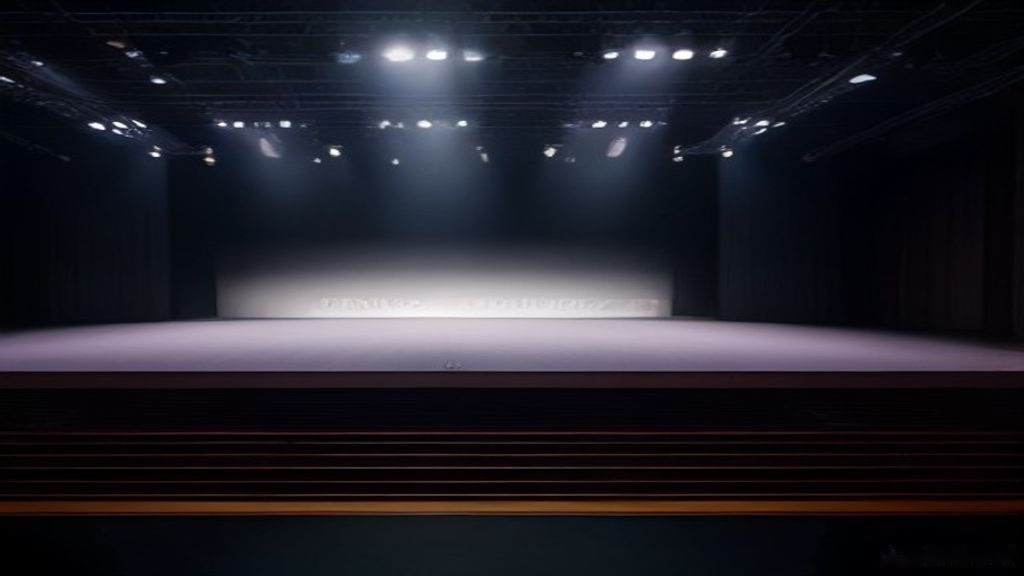
This category sits between “obvious” and “forgotten” and is the most expensive to fix late:
- Modular staging: 6m × 4m minimum for a keynote plus podium position; larger if panel tables sit on stage.
- Podium/lectern with integrated podium light, and a step or ramp for stage access.
- Steps and skirting: every riser and stage needs safe access on at least two sides and clean finishes at floor level — the difference between a stage that photographs well and one that looks like a construction site.
- Cable management: ramps across every walkway, gaff tape on runs, and a patch bay away from the performance area.
- Crew communication: a two-channel intercom system between stage manager, front-of-house audio, and lighting — the first item missed on most kit lists and the first thing blamed when a cue goes wrong.
Lighting: What Actually Matters at Corporate Scale
Corporate lighting has two jobs: making presenters visible and making the room look intentional.
- Front wash (2–4 LED fixtures): warm white light on the presenter’s face. Without it, speakers appear as silhouettes against their own slides.
- Podium light: a focused gooseneck so the speaker can read notes without flooding the stage.
- Uplighting: LED fixtures around the perimeter in brand colours — the change from “hotel room” to “branded environment” for the cost of a dozen fixtures.
- Logo/gobo projection: your company mark on a wall or the stage floor. It photographs well; sponsors notice.
- Moving heads (optional): transformative for award reveals, keynote entrances, and product launches; unnecessary for a straightforward briefing.
A lighting console and a trained operator round it out — a lighting rig without cue ownership is a static decoration.
Power and the Invisible Infrastructure
The items that get left off corporate event equipment checklists are rarely the expensive ones. They are the small ones:
- Power distribution units (PDUs) and doghouse power, sized to the combined load of audio, video, and lighting — confirm the venue’s circuit capacity in the site survey, not on load-in day.
- Spare everything critical: one spare wireless receiver/transmitter, one spare laptop, HDMI and USB-C adapters per presenter input, fresh batteries for every wireless mic and handheld.
- Crew roles on paper: audio tech, video tech, lighting tech, and a named technical director, radio channels assigned.
- Timeline buffers: 3–6 hours load-in before doors for a mid-size event, a full end-to-end soundcheck with at least one presenter, and a 15-minute pre-doors walk of the room listening from the back row and the sides.
If You Go Hybrid: Cameras, Recording, Stream
If the content is worth capturing beyond the room, add it to the plan at the same time as the base AV — retrofitting a stream later is where budgets break:
- 2–4 cameras (PTZ or manned) covering stage wides, presenter close-ups, and audience coverage.
- Vision mixer cutting between cameras and the keynote slides.
- Hardware encoder plus a streaming laptop on wired Ethernet (a minimum of ~10 Mbps sustained upload) — never the venue Wi-Fi that 500 devices are also using.
- Clean audio feed from the mixing console to the recording and stream chain, so the stream hears the room’s audio the same way the front row does.
- End-to-end stream test on event day, before doors.
Minimum vs. Full Production: One Table
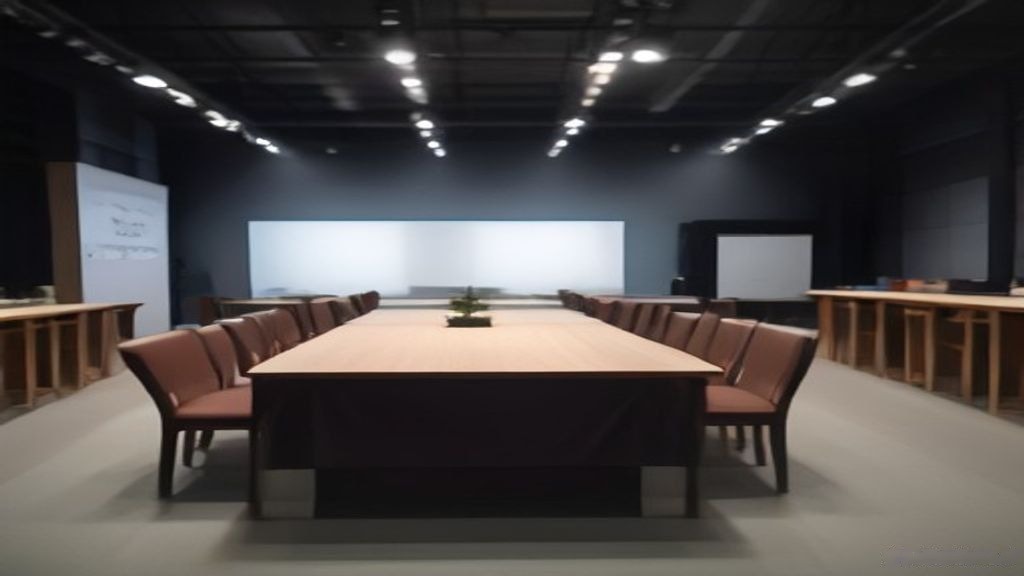
The most common mistake at this scale is treating the AV as a shopping list and pricing line by line. The table below is a useful way to frame the decision with your provider:
| System | 500-person minimum | Full production |
|---|---|---|
| PA | 4 powered tops + subs, ground stacks | Flown line array + delay fill + subs |
| Microphones | 2 wireless handhelds + podium + 1 lavalier | All of the above + panel boundaries + Q&A mic |
| Mixing | Digital console, single tech | FOH + dedicated recording feed |
| Display | 4K laser projector (dark room) | LED video wall 6m × 3.5m P3–P4 |
| Switching/laptop | 1 switcher + 1 backup laptop | Switcher + 2 laptops + confidence monitor |
| Stage | 6 × 4m module + lectern | Full staging + risers + skirting + steps |
| Lighting | Front wash + podium light + uplighting | Add moving heads + logo projection |
| Power | 1 PDU, venue circuits checked | 2 doghouses + PDUs + cable ramps |
| Crew | 2–3 technicians | Audio + video + lighting + tech director + intercom |
| Hybrid | — (not included) | 3–4 cameras + vision mixer + encoder + wired stream |
Every row of the “full production” column is additive, not a different product family — which is exactly why it belongs in a single checklist, managed by a single provider, rather than assembled from three vendors on event morning.
How to Use This Checklist
- 4–6 weeks out: lock the run of show, then derive the microphone count, display choice, and lighting needs from it. Confirm the venue’s power, load-in windows, and noise rules in writing.
- 2 weeks out: send the AV provider the presentation files (tested codec), the slide deck order, and the award/music cue sequence if applicable.
- Event day: soundcheck with at least one real presenter at the podium; run the full stream end-to-end if hybrid; walk the last hour of setup listening from the back row.
If your venue is a tight Executive suite rather than a ballroom, or your display choice between LED and projection is not settled yet, our AV rental guide walks through the full component chain — audio, video, lighting, and processing — so nothing gets quoted piece by piece.
Frequently Asked Questions
How many microphones do I need for a 500-person corporate event in Hong Kong?
For a standard keynote-plus-panel format: two wireless handhelds (one backup), one podium gooseneck, one lavalier for a walking presenter, boundary mics for the panel (one per one or two people), and one Q&A mic. Every wireless unit needs its own transmitter and a coordinated frequency.
Do I need a line array for 500 people, or will powered speakers do?
It depends on the room more than the headcount. Short, wide ballrooms often work with four powered tops and subs; long or high-ceiling rooms (most hotel grand ballrooms and convention halls) need a line array plus a delay fill for the back of the room to keep speech intelligible everywhere. Ask for a coverage diagram.
What display works best in a bright hotel ballroom?
A bright 4K laser projector can work, but it competes with ambient light and any daylight at the windows. An LED video wall is brightness-independent — that is the main reason larger HK corporate events default to LED walls in ballrooms.
What is typically forgotten in event AV that ends up being the most annoying problem on the day?
In order of frequency: the confidence monitor (the presenter cannot see their own slides), adapter and cable spares, fresh batteries, the intercom between crew, and a wired internet path for any stream relying on the venue Wi-Fi.
How early should I book AV in Hong Kong for a 500-person event?
Four to six weeks is comfortable for a full production including crew; major holiday periods (mid-Autumn, year-end, Chinese New Year) and peak exhibition seasons fill earlier. Venue power checks and load-in slot booking are the items that hard-block a late plan.
Plan Your Event AV Before the Date Does It
The difference between a checklist and an event that runs is that one of them names who owns each line, at what time, against which circuit. Prosound Hong Kong handles the full chain — audio, video, lighting, staging, power, and crew — from one team in one visit to the venue.
Contact Prosound Hong Kong today for a free consultation — call +852-2668-4882 or email support@prosound.hk.